
Email Summary
The summary is a regular email about how much this site sent, and how much of it failed. It is not a failure alert. For failures as they happen, use Telegram, Slack, Discord, or Pushover.
Turn it on
- Open Alerts in the FluentSMTP top bar.
- On the right, Summary Email.
- Turn on Enable Email Summary.
- Send To: one or more addresses, comma separated.
{site_admin}is the WordPress admin email. - Send On: the weekdays it should go out.
- Save Settings.
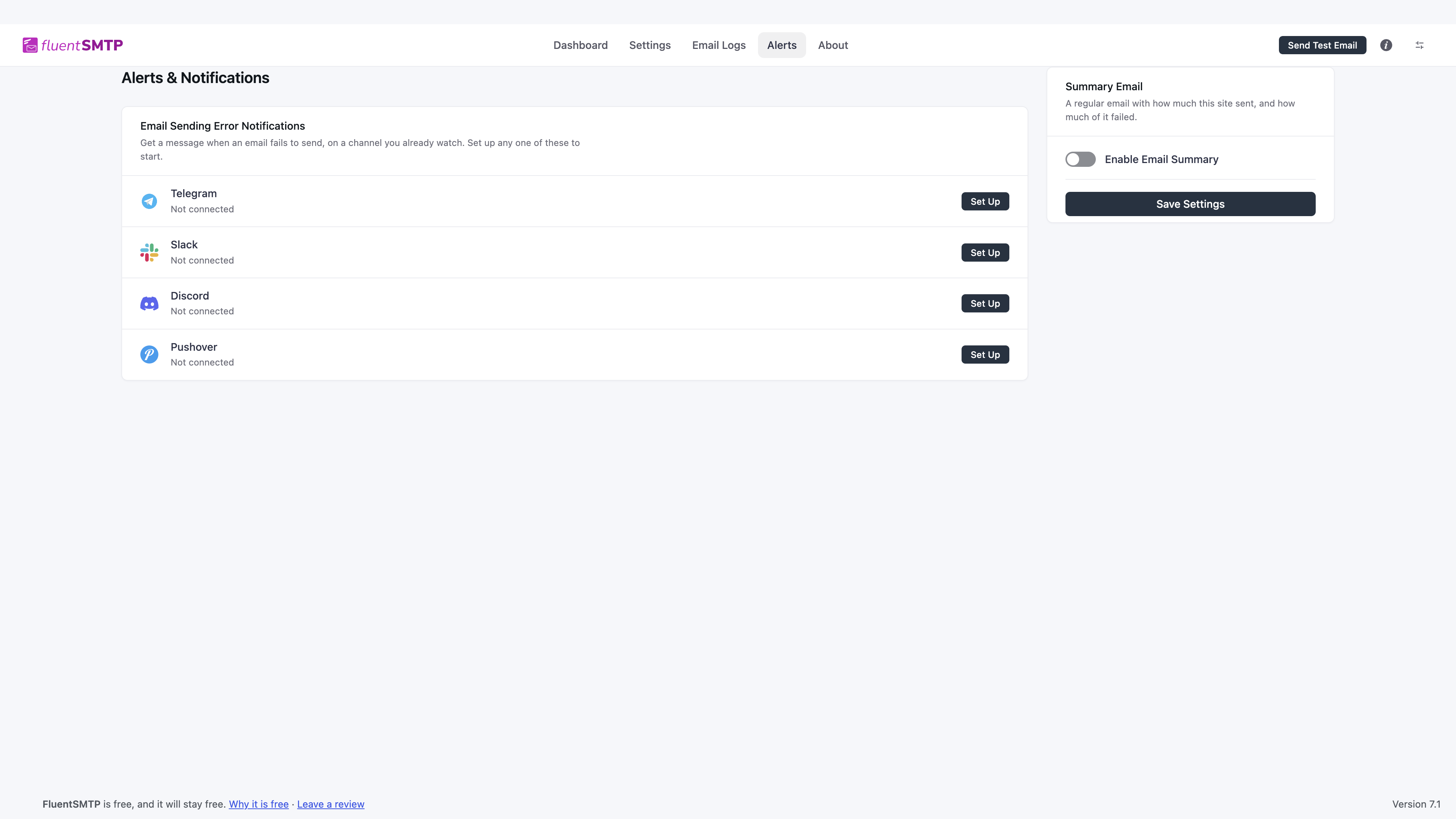
If the switch is off, the days and address fields are hidden. The summary does not send until you save with it on.
The recipient should be a mailbox someone actually reads. Putting it on a no-reply address wastes the report.