


8 Best Transactional Email Services for WordPress (2026)

Your WordPress site sends important emails every day: order confirmations, password resets, form notifications, account updates, and more.
The problem is, your regular hosting server was never really built for reliable email delivery.
That’s why transactional emails can arrive late, land in spam, or sometimes fail without giving you a clear warning. And most of the time, you only notice when a customer says, “I never got the email.”
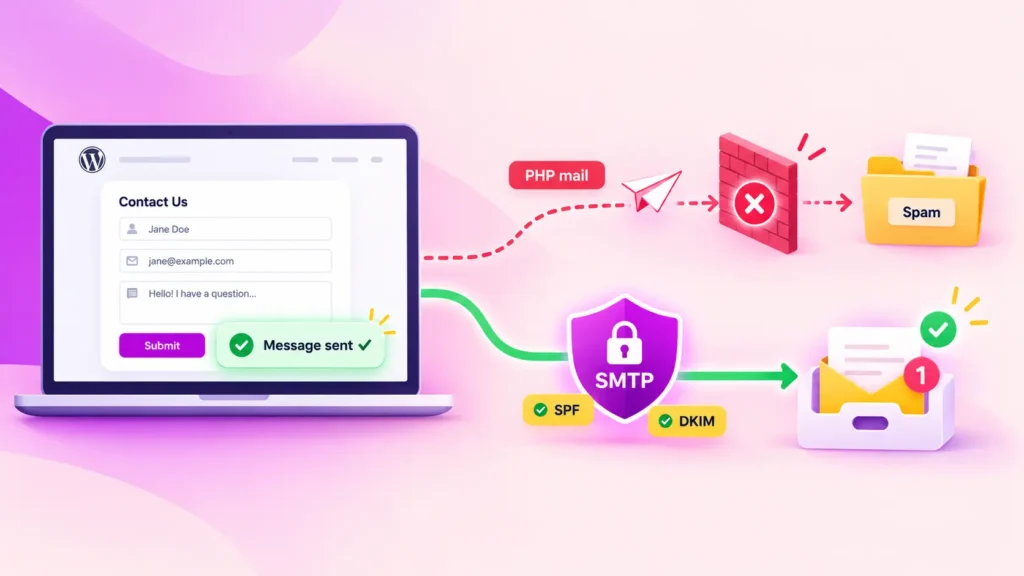
A transactional email service solves this by moving your WordPress emails away from the hosting server and sending them through infrastructure built specifically for reliable delivery.
But with so many services available, which one actually makes sense for your site?
In this guide, we’ll compare eight transactional email services based on the things that matter most: free tier, pricing at scale, deliverability, and how easy they are to set up.
What a Transactional Email Service Actually Does
A transactional email service is infrastructure for sending individual, event-triggered messages, such as order confirmations, password resets, form notifications, and shipping updates
Instead of relying on your web host to send those emails, it uses dedicated email infrastructure with proper authentication, delivery tracking, and a sending reputation managed by a company whose entire business depends on delivering emails.
And that last part is really the point.
WordPress sends email through wp_mail(), which by default passes the message to your host’s PHP mail() setup. That sounds fine in theory, but in practice, a few things can go wrong.
- Your host may block it outright: Shared hosts often disable or throttle PHP
mail()because it’s commonly abused by spammers. If that happens, the email may never leave the server, even though WordPress still reports it as sent.
- Hosting servers are not built for email: Email delivery is only a secondary job for your hosting server. Its main priority is keeping your website running, not making sure order confirmations reach inboxes as quickly and reliably as possible.
- Sending limits apply: Many hosts limit how many emails you can send per hour. A WooCommerce store having a busy morning or an LMS sending updates to a large group can hit that limit without much warning.
- Shared IPs carry other people’s reputation: On shared hosting, your emails usually go out from the same IP address used by many other websites. If one of those sites sends spam or gets flagged, your own emails can suffer from that reputation too.
- You get no data: There are usually no detailed logs, bounce records, or delivery reports. So if an email doesn’t arrive, you have very little information to help you figure out why.
A transactional email service solves all five problems at once. If you want to understand how this differs from regular marketing email, see transactional email vs marketing email. And if you want a deeper explanation of the concept itself, check out what transactional email is.
How to Choose: the Five Criteria that Decide It
Every service on this list can send your emails. The real difference is what happens once your volume grows, your needs change, or something starts going wrong.
1. Sending volume, now and later
Start with what you actually send today: order confirmations, password resets, form notifications, and emails triggered by LMS or membership plugins. Then check what the same service costs at two or three times that volume. A provider that looks cheap at 10,000 emails a month may look very different at 100,000.
2. Pricing model
Some services charge per email, while others use monthly plans with a fixed sending allowance and overage fees. Pay-as-you-go usually makes more sense if your volume changes a lot throughout the year. If your sending stays fairly consistent, a monthly tier can be easier to predict and often more cost-effective.
3. Deliverability record
This is ultimately about inbox placement: how many of your emails actually reach the inbox instead of spam. Most providers will highlight their own deliverability numbers, but independent testing gives you a much clearer picture. And remember, the provider is only part of the equation. Your authentication, sender reputation, and sending habits matter too. See how to improve email deliverability for the factors you can control.
4. Setup complexity
Some services take a few minutes to connect with an API key. Others may require DNS verification, account approval, or additional configuration before you can start sending. Pick the level of setup you’re actually comfortable managing.
5. Dedicated vs shared IP
A dedicated IP gives you full control over your sending reputation because nobody else shares it. But it also needs to be warmed up and kept active with consistent sending volume. For lower-volume sites, a well-managed shared IP from a reputable provider is often the better option.
The Top 8 Transactional Email Services Compared
Service | Free tier | Pricing model | Dedicated IP | Setup difficulty | Best for |
Amazon SES | $200 AWS credits for 6 months (2M emails at standard rate) | Pay-as-you-go | Optional add-on | Hard (AWS account, DNS verification, sandbox exit) | High volume, lowest cost per message |
| Postmark | 100/mo (permanent) | Tiered | Paid add-on | Easy | Speed and deliverability over volume |
| Mailgun | 100/day (permanent) | Tiered + pay-as-you-go overage | Included on higher tiers | Moderate | Developers who want API control |
| SendGrid | 100/day (60-day trial only) | Tiered | Pro tier and above | Moderate | Scaling from small to very large volume |
| Brevo | 300/day (permanent) | Tiered | Enterprise only | Easy | Sites that also send marketing email |
| SMTP2GO | 1,000/mo (permanent) | Tiered | Paid add-on | Easy | Small teams wanting minimal setup |
Elastic Email | 100 per day (permanent) | Tiered + pay-as-you-go | Paid add-on | Easy | Budget-conscious low volume |
Gmail/ Google Workspace | Included with your existing subscription | Per seat | No | Easy (you may already have it) | Low-volume sites already paying for it |
One Plugin, All Your Favorite SMTP Services (100% Free)
Choose from 10+ popular SMTP services and send your WordPress emails with ease

The Services in Detail
Without wasting any more time, let’s jump straight into a quick look at the best transactional email services.
1. Amazon SES: Cheapest at scale, hardest to set up

Amazon Simple Email Service is the obvious choice if volume and cost matter most. Its per-email pricing is easily one of the lowest on this list, deliverability is strong, and it fits naturally into the AWS ecosystem if you’re already using it.
The tradeoff is setup.
New SES accounts start in a sandbox that only allows you to send to verified email addresses. So if you connect it to a live store, your customers will not receive anything until you request production access and AWS approves it.
That approval is not instant, and it is also one of the most common reasons an SES setup looks broken even when it is actually working exactly as intended.
Verdict: Choose Amazon SES if you send a high volume of emails and do not mind spending some time inside the AWS console. Avoid it if you want something you can connect and start using within ten minutes.
More Resources to Help You Decide:
👉 Amazon SES for Sending WordPress Emails (Setup guide)
2. Postmark: Built for transactional only

Postmark keeps transactional and bulk email completely separate, so marketing campaigns never affect the reputation of your transactional stream. That strict separation is a big reason why Postmark is known for fast delivery and strong inbox placement.
The downside is pricing. It is not the cheapest option on this list, and the free tier is really just enough for testing.
What you are paying for is speed and reliability, especially for emails like password resets, login links, and order confirmations where even a short delay matters.
Verdict: Choose Postmark if delayed transactional emails can directly hurt the user experience. Avoid it if you want one service to handle both newsletters and transactional emails.
More Resources to Help You Decide:
👉 Postmark for Sending WordPress Emails (Setup guide)
3. Mailgun: The developer’s option
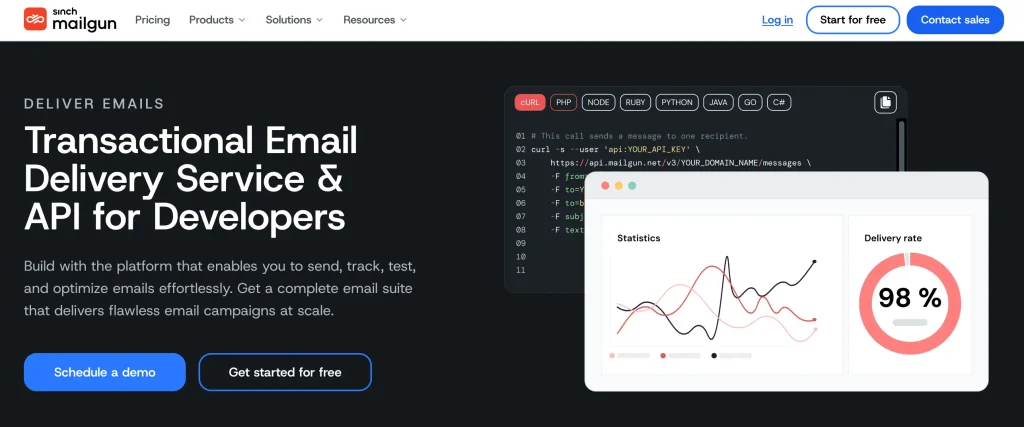
Mailgun is built with developers in mind, and the product reflects that. You get a strong API, detailed logs, batch sending, scheduled delivery, and even inbound email routing, which most services on this list do not offer.
For a standard WordPress site, though, you probably will not use most of those features.
Verdict: Mailgun starts to make more sense when you need more than basic transactional emails and want deeper control over how your email system works.
More Resources to Help You Decide:
👉 Mailgun for WordPress Email Sending (Setup guide)
4. SendGrid: Scales furthest

SendGrid is built to scale. It can handle much higher sending volumes than most mid-tier services without forcing you to rethink your setup, and it also has one of the widest integration ecosystems on this list.
Features like email validation and reverse DNS verification also help protect your sender reputation as your volume grows.
The tradeoff is complexity. Its analytics take some time to learn, and getting the most out of the platform usually requires a bit of technical comfort. Support on the free tier can also be slow.
Verdict: Choose SendGrid if you expect your email volume to grow beyond what a mid-tier service can comfortably handle.
More Resources to Help You Decide:
👉 SendGrid for WordPress Email Sending (Setup guide)
5. Brevo: One service for both kinds of email
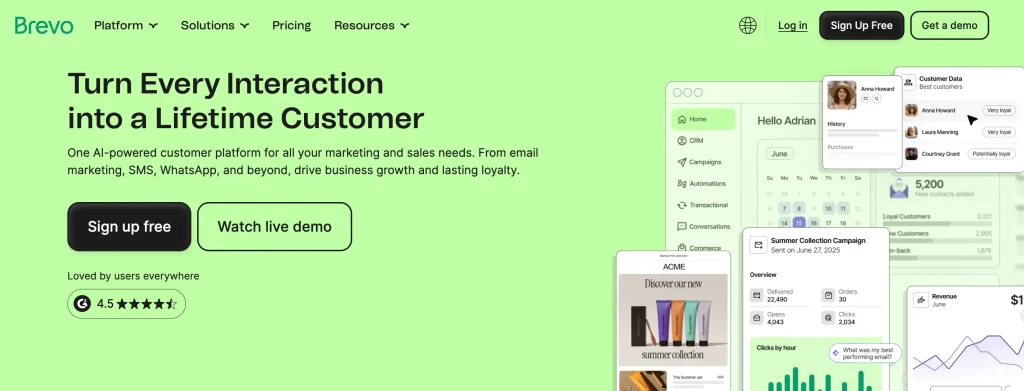
Brevo, formerly known as Sendinblue, brings transactional email, marketing campaigns, SMS, and light CRM into one platform.
For a site that needs both receipts and newsletters, that means one account, one integration, and one bill instead of managing separate tools. The transactional side is solid, but it is not as specialised as some of the dedicated services on this list. You will also need an enterprise plan if you want a dedicated IP.
Verdict: Choose Brevo if you want transactional and marketing email handled in one place. Avoid it if transactional delivery is your main priority and the extra marketing features just add noise.
6. SMTP2GO: The low-friction choice

SMTP2GO keeps things simple and gets you up and running quickly. Its global server network handles delivery routing, while SPF and DKIM authentication are included even on the free tier. The dashboard is also easy to understand without much of a learning curve.
Reporting is fairly basic compared to tools like Mailgun or SendGrid, but for most WordPress sites, that is not really a dealbreaker.
Verdict: Choose SMTP2GO if you want something that works quickly without a lot of setup or technical overhead.
More Resources to Help You Decide:
7. Elastic Email: The budget option

Elastic Email has been around since 2010 and is one of the more affordable options on this list. It supports both transactional and promotional email, and the setup is fairly straightforward.
The main tradeoff is the shared IP on the free tier. That means your deliverability is partly influenced by the reputation of other senders using the same IP. At lower sending volumes, that usually is not a major issue. But as your volume grows, it can become something worth paying attention to.
More Resources to Help You Decide:
👉 Elastic Email for WordPress Email Sending (Setup guide)
8. Google Workspace or Microsoft 365: The one you may already pay for
If your business already runs on Google Workspace or Microsoft 365, you already have authenticated email infrastructure in place.
Routing WordPress emails through one of them does not add another service to your stack, and it also lets you send from a domain reputation you are already maintaining.
The limitation is volume.
Both services are built primarily for people sending email, not websites sending thousands of automated messages every day, so daily sending limits apply.
That makes them a good fit for brochure sites, small membership sites, or low-volume stores. For a busy WooCommerce shop, though, they are not really built for the job.
More Resources to Help You Decide:
👉 WordPress Emails with Microsoft 365
👉 Google Workspace SMTP for WordPress Email Sending (Setup guide)
Connecting Your Chosen Service to WordPress
WordPress will not start using your new email service automatically. You still need to connect the two.
That is where an SMTP plugin comes in. It sits between wp_mail() and your email provider, stores the credentials, and routes outgoing WordPress emails through the provider instead of your web host.
The setup is pretty similar no matter which service you choose:
- Create your sending credentials or API key inside the provider’s dashboard
- Add the required authentication records to your domain’s DNS
- Enter the credentials inside WordPress
- Send a test email to make sure everything is working
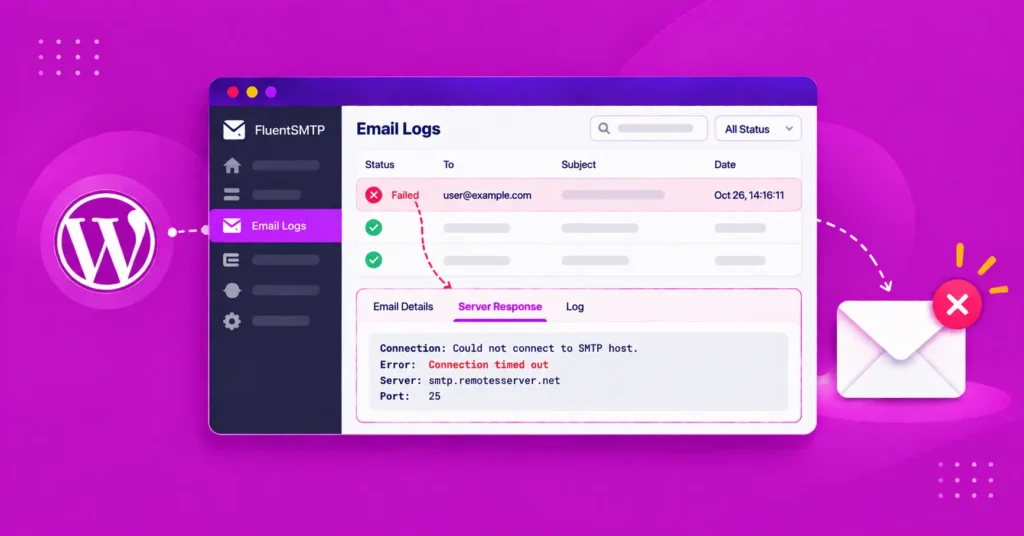
FluentSMTP supports every service listed here and also logs each outgoing email, so you can confirm whether the connection is working properly. But any SMTP plugin that supports your chosen provider can do the job.
The complete guide to WordPress email settings and SMTP configuration walks you through the full process, while the individual setup guides above cover the provider-specific steps.
Frequently Asked Questions

Nazir Himel
“Produce value through quality content” – is the motto I live by. Content Marketing, SEO, and Email Marketing are my primary interests and if I’m not busy with any of them, you’ll probably find me roaming around the city.
Table of Content
Subscribe To Get
WordPress Guides, Tips, and Tutorials



Add your first comment to this post