

What Is SMTP Authentication & Why It Matters for WordPress

Your WordPress site tries to send a password reset email, but nothing happens. There is no error on screen, no message in the inbox, and not even an email sitting quietly in spam!
Somewhere in that silence, a mail server probably asked your site to prove who it was, and your site could not answer.
That is SMTP authentication doing its job!
It is one of the most common reasons WordPress emails disappear without a trace, yet most site owners never realize it is happening until they start digging into the real cause.
This blog breaks everything down in plain English, so you do not have to figure it out the hard way.
What Is SMTP Authentication?
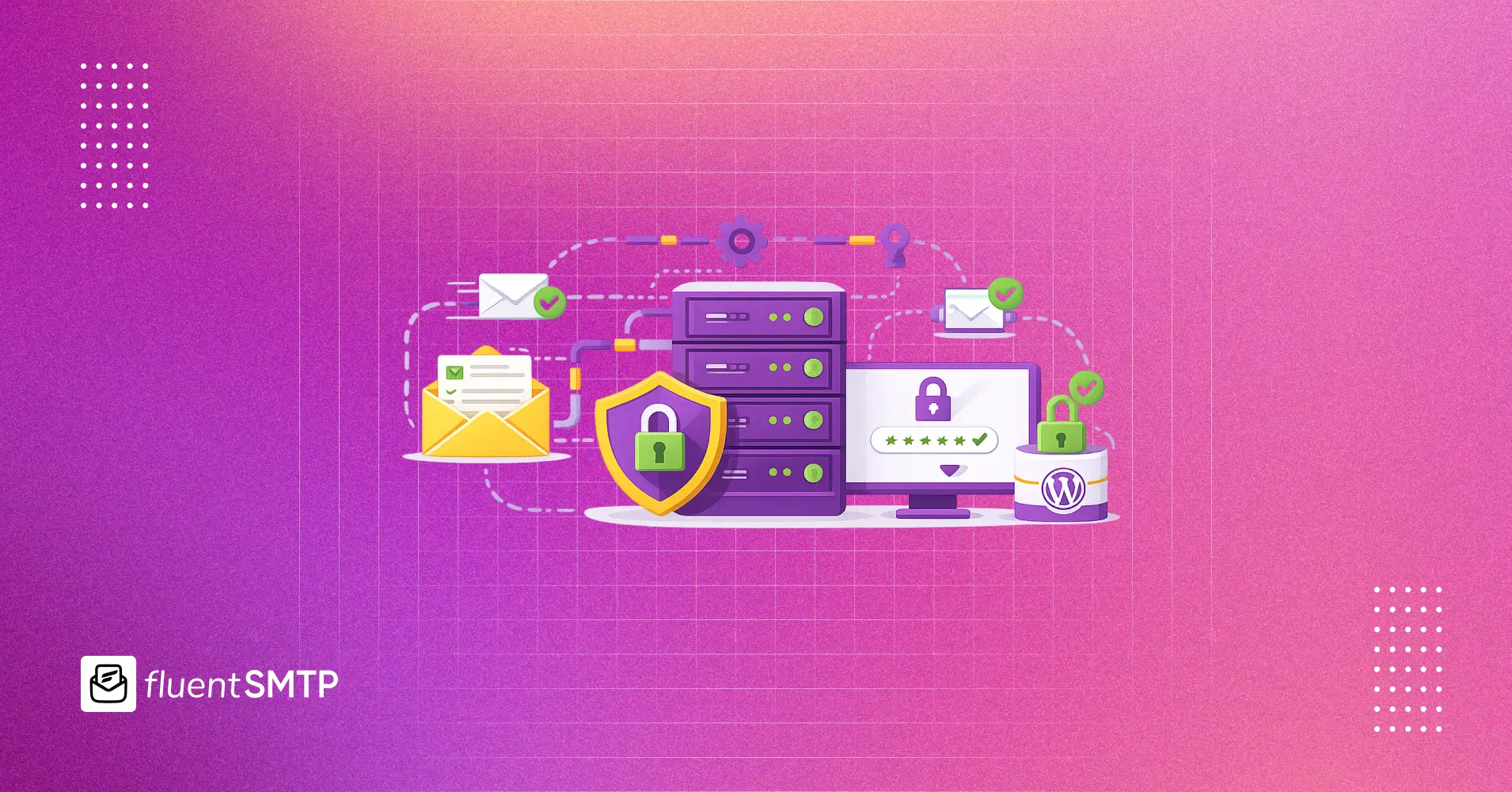
SMTP authentication is the process of proving your identity to a mail server before it sends email on your behalf. You provide a username and password, or a similar credential, and the server checks whether you are allowed to send through it. Once the credentials are verified, the server agrees to relay your email.
Without this step, anyone could connect to a mail server and send emails pretending to be someone else. Authentication closes that door.
This is different from SMTP itself, which we covered in our guide on how SMTP works. SMTP is the full email sending process. Authentication is just one part of that process, usually the step where the server checks whether you are allowed to send.
And for WordPress users, this is often where email delivery quietly breaks.
Why Sending Email Requires Proof of Identity
Email was not built with security in mind!
In the early days, almost any server could claim to send emails from any address, with little to no verification. And that open system is exactly what spammers abused for years.
SMTP authentication was added to fix this at the connection level.
Before a mail server accepts your message, it asks for credentials. Usually, that means a username and password. In some cases, it can be an API key used similarly.
Once those credentials are verified, the server knows which account is sending the email and can hold that account responsible.
Think of SMTP Authentication like showing ID before boarding a flight. The plane does not care who you claim to be. It cares who you can prove you are!
How the Authentication Step Actually Works
After your email client connects to a mail server, the server responds with the features it supports. That response also tells the client whether authentication is required.
If authentication is needed, your client sends the required credentials through the secure connection. The server checks those credentials against its records. If they match, the server confirms the login and the rest of the sending process continues.
If they do not match, the server rejects the connection before your message is ever sent!
That is the key part to understand! An SMTP authentication failure is not really a delivery problem. It is a rejection before delivery even begins. Your email never gets the chance to leave.
Why This Matters More on WordPress and How to Turn On SMTP Authentication?
Here is where SMTP authentication connects directly to the reason WordPress emails go missing so often.
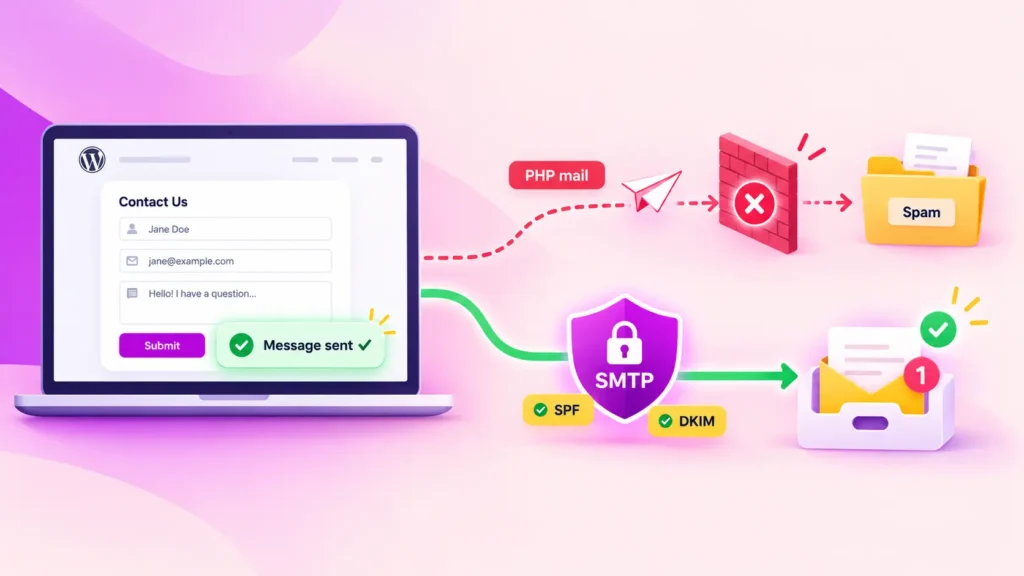
The default `wp_mail()` function does not authenticate emails on its own. It simply hands your message over to whatever mail setup exists on your hosting server. In many cases, that means the email goes out with no username, no password, and no clear accountability behind the send. And that is the problem.
Receiving mail servers, especially Gmail and Outlook, are much stricter now about emails that arrive without proper authentication. An unauthenticated email from a shared hosting IP can look a lot like spam because, from a technical point of view, it follows the same pattern spammers often use.
However, there is no separate “SMTP authentication” switch inside WordPress!
You turn it on by connecting your WordPress site to an email provider that requires real credentials. Once that connection is set up, authentication happens automatically whenever your site sends an email.
In practice, this means installing an SMTP plugin like FluentSMTP and adding the credentials from your email provider. Depending on the provider, that could be an API key, a username and password, or other connection details.
Once saved, every email from your WordPress site goes through that authenticated SMTP connection instead of relying on the default PHP mail() function.
The exact setup fields may vary from provider to provider. If you are setting one up for the first time, our complete guide to WordPress email settings and SMTP configuration walks you through the full process.
What Happens When SMTP Authentication Fails?
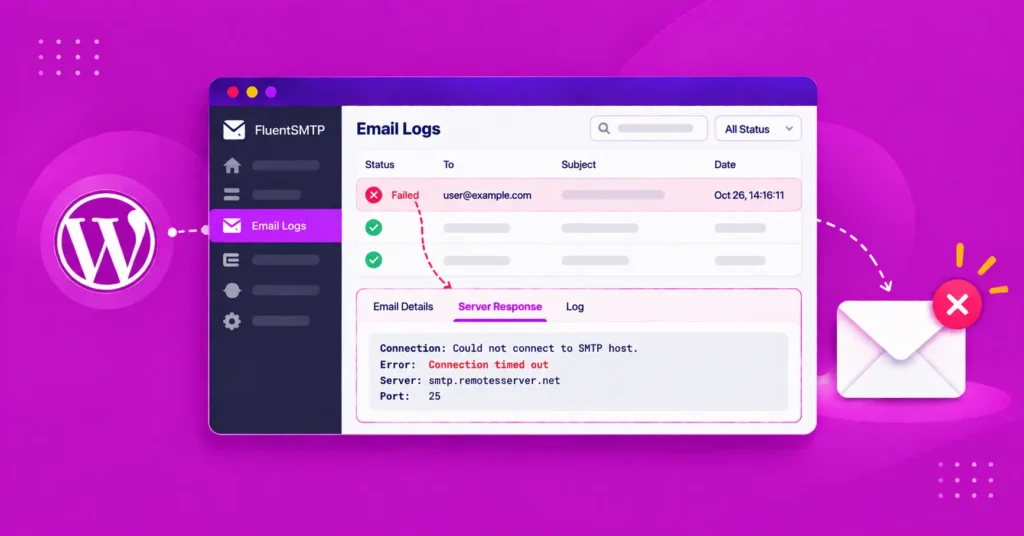
When SMTP authentication fails, the mail server rejects the connection before your email is sent. In most cases, the reason comes down to one of a few common issues.
- The most obvious one is a wrong username or password. This happens more often than you might think, especially when there is a typo, an expired API key, or the wrong credential copied from the provider dashboard.
- Another common issue is using the wrong port. SMTP authentication can behave differently depending on whether you are using port 587 or port 465. If you are not sure which one to use, our SMTP ports guide explains the difference.
- Two-factor authentication can also be confusing. Providers like Gmail and Microsoft 365 often require an app-specific password when 2FA is enabled. In that case, your regular account password will not work for SMTP.
- Credentials can also stop working if they are revoked or rotated. For example, if someone regenerates an API key inside your email provider account, the old key will stop working immediately. WordPress will keep trying to use it, but the mail server will reject the connection.
So when you see an SMTP authentication error, it usually means the mail server is saying, “I do not recognize these credentials.”
If you are actively troubleshooting this right now, the fix deserves a step-by-step walkthrough. We cover that separately in a dedicated guide on how to fix SMTP authentication failed errors in WordPress.
SMTP Authentication vs. SPF, DKIM, and DMARC
This is where a lot of people get confused, understandably. These all sound like “email security,” but they operate at completely different points in the journey.
SMTP authentication happens at the connection level!
SMTP authentication answers one question: does the sender have permission to use this mail server right now? It’s checked the moment you connect, using a username and password.
SPF, DKIM, and DMARC happen at the domain level!
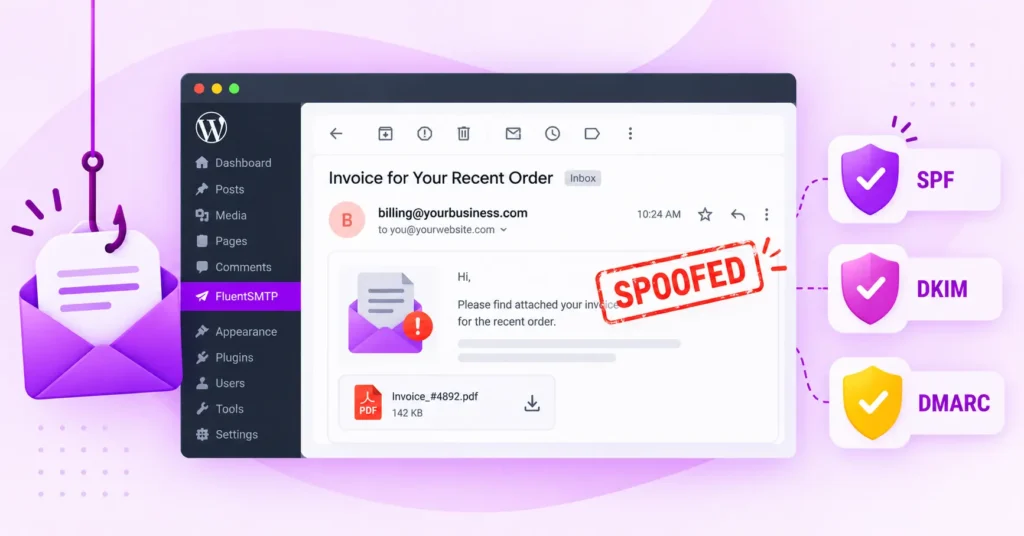
SPF, DKIM, and DMARC answer a different question: is this domain allowed to send from this source, and has the message been tampered with in transit? These are DNS records, checked by the receiving server, not the sending one.
You need both. SMTP authentication stops unauthorized people from using your sending account. Email authentication stops unauthorized servers from pretending to be your domain.
SMTP Authentication FAQs
Here are answers to some of the most common questions about SMTP authentication
What is SMTP authentication in simple terms?
SMTP authentication is the login step a mail server requires before it sends your email. You provide credentials, such as a username and password or an API key. The server verifies them, and only then allows your message to be sent.
Should SMTP authentication be enabled?
Yes, always. Unauthenticated SMTP makes open relay abuse possible, which is why almost every modern mail server and email provider requires authentication by default. If you are sending WordPress emails through SMTP, authentication should be enabled.
What is the difference between SMTP authentication and SPF, DKIM, and DMARC?
SMTP authentication verifies your login credentials when your site connects to the mail server. SPF, DKIM, and DMARC verify whether the sending domain is legitimate. They are checked separately by the receiving mail server using DNS records. They solve different problems, and you need both for reliable email delivery.
Why does WordPress need SMTP authentication if it can already send email?
WordPress can technically send emails through the default `PHP mail()` function without authentication. And unauthenticated emails are more likely to be rejected, filtered into spam, or disappear without a clear error. SMTP authentication gives your WordPress emails a verified sending path, which makes them far more trustworthy to receiving mail servers.
Connect WordPress to a Properly Authenticated SMTP Server
Authentication is not optional anymore.
Either your WordPress site proves its identity to a mail server, or it sends unverified emails that inboxes have every reason to distrust.
And that is where the default WordPress setup falls short. It was never built to handle proper SMTP authentication on its own. FluentSMTP closes that gap by connecting your site to a real, credentialed SMTP provider in just a few minutes, with no code required.
So if your WordPress emails are landing in spam, failing silently, or not arriving at all, SMTP authentication is one of the first places you should look. And with FluentSMTP, it is also one of the easiest problems to fix.
That’s all for today! Thank You.
Nader Chowdhury
Table of Content
Subscribe To Get
WordPress Guides, Tips, and Tutorials



Add your first comment to this post