

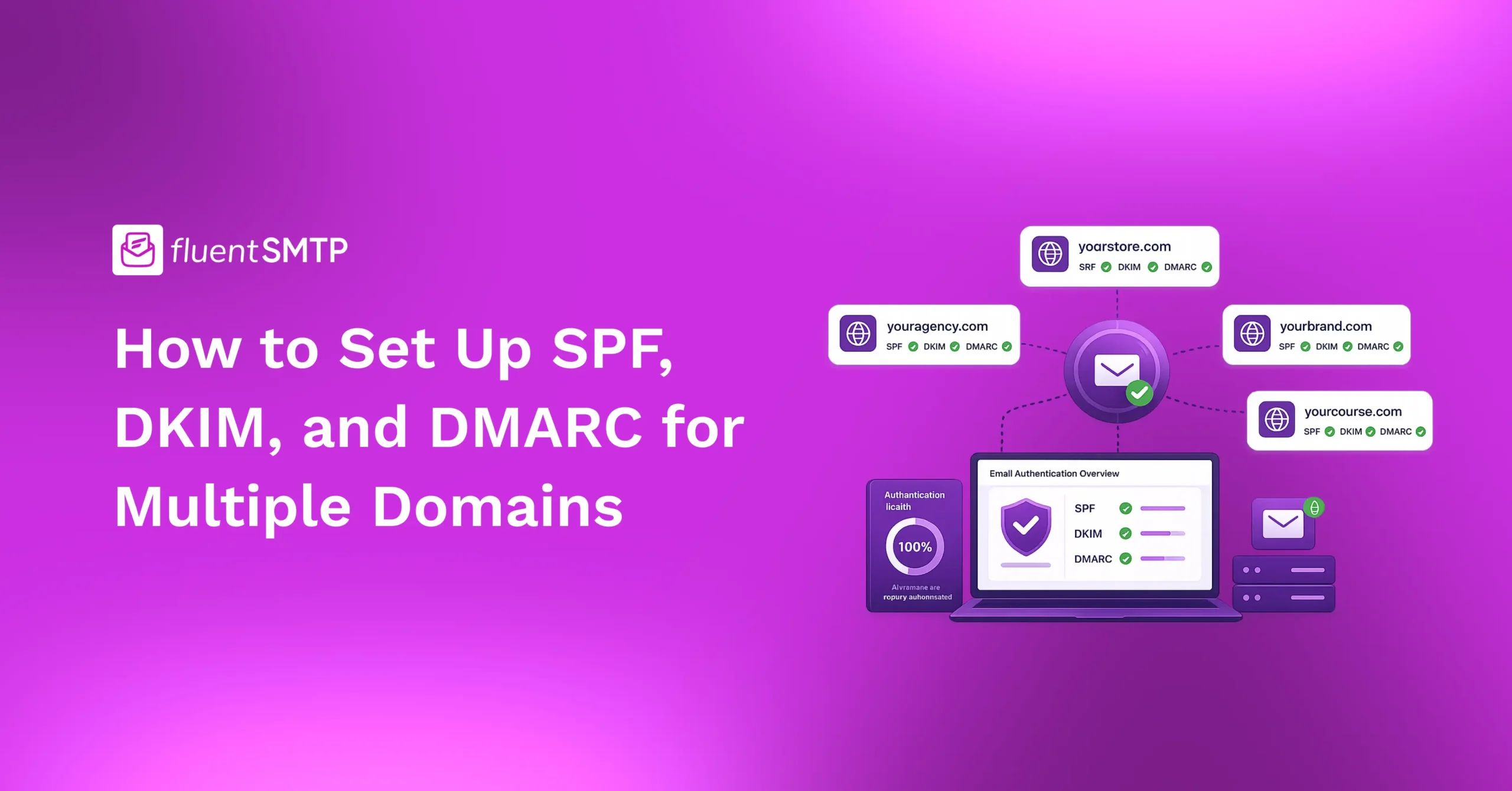
How to Set Up SPF, DKIM, and DMARC for Multiple Domains

If you only had one domain, this would be easy.
Set up SPF. Set up DKIM. Set up DMARC. Done.
But the moment you have more than one domain, things change!
Subdomains behave differently. Parked domains create hidden risks. DNS lookup limits start to bite. DMARC reports multiply into chaos.
And here is the truth most blogs will not tell you.
The standard advice of “just repeat the setup for each domain” is wrong. It misses the real problems that come with managing multiple domains. It often leads to broken alignment, exceeded DNS limits, and parked domains that attackers happily exploit.
This guide will walk you through the right way to set up SPF, DKIM, and DMARC across multiple domains. We’ll cover the three scenarios most people face, the traps that come with each, and the rollout order that keeps your email working through every step.
If you are still getting comfortable with the basics, start with our complete guide on SPF, DKIM, and DMARC before diving in.
Otherwise, let’s go.
First, Identify Your Scenario
Not all multi-domain setups are the same. Before you change a single DNS record, figure out which of these three scenarios applies to you. Each one needs a different approach.
Scenario 1: One root domain with many subdomains
You own ‘company.com’. Your transactional mail goes from ‘mail.company.com’. Your support team uses ‘support.company.com’. Marketing sends from ‘news.company.com’.
This is one organization, many subdomains.
Scenario 2: Multiple separate sending domains
You own ‘brand1.com’, ‘brand2.com’, and ‘brand3.com’. Each one sends email. Each one has its own identity. They might use different mail providers or overlap on some.
This is common for agencies, parent companies, and businesses with multiple product lines.
Scenario 3: Multiple domains, but only some send mail
You own ‘company.com’ for your business mail. You also own ‘company.net’, ‘company.org’, and a few common misspellings as defensive registrations. These domains do not send email at all.
This is the most overlooked scenario, and it is where attackers love to hide.
You might fall into one of these scenarios, or you might be in all three at once. Read the section that fits your case. Or read all three if you manage a complex setup.
Scenario 1: Subdomains Under One Root Domain
This is the easiest case to understand once you know the inheritance rules. And the inheritance rules are where most people go wrong. Here’s the rule you need to remember –
DMARC inherits from the root domain to all subdomains automatically. SPF and DKIM do not.
That single sentence is the most important thing in this section. Let me show you what it means in practice.
How DMARC inherits
You publish a DMARC record at _dmarc.company.com with p=reject.
Without doing anything else, that policy now applies to support.company.com, mail.company.com, news.company.com, and every other subdomain you own.
Receiving servers check the root domain’s DMARC record when they cannot find one on the subdomain itself.
You can override this in two ways.
The first is with the sp= tag. This sets a separate policy specifically for subdomains. For example:
v=DMARC1; p=reject; sp=quarantine; rua=mailto:[email protected]
This says: “Reject mail that fails DMARC on the root domain, but quarantine instead of reject for subdomains.”
The second is by publishing a dedicated DMARC record on a specific subdomain. A TXT record at _dmarc.news.company.com overrides whatever the root domain says for that one subdomain.
For more on what each tag does, see our DMARC record setup guide
How SPF and DKIM do not inherit
This is where the trouble starts.
If support.company.com sends mail and you have not published an SPF record on that subdomain, the SPF check will fail. The DMARC inheritance from the root domain will catch the failure and apply your policy. So the email gets rejected.
The fix is simple. Every subdomain that sends email needs its own SPF and DKIM records.
If support.company.com uses Help Scout, that subdomain needs an SPF record with Help Scout’s include and its own DKIM selector.
If news.company.com uses Mailchimp, that subdomain needs an SPF record with Mailchimp’s include and its own DKIM selector.
The root domain’s SPF and DKIM records do not magically apply.
If you need a refresher on SPF setup, see our SPF record setup guide. For DKIM, see how to set up DKIM.
The non-sending subdomain problem
What about subdomains that do not send mail?
Well, you still need to protect them.
A subdomain without SPF can be spoofed. Even if your DMARC policy at the root domain is strict, attackers can use subdomains that exist but have no SPF.
For each non-sending subdomain, publish a hard-fail SPF record like this:
v=spf1 -all
This tells the world that no server is authorized to send mail from that subdomain. Combined with DMARC inheritance, it shuts down spoofing on subdomains you never use.
Scenario 2: Multiple Separate Sending Domains
This is where most “just repeat the setup” advice falls apart. Each domain in this scenario is independent. No inheritance. No shortcuts.
Every domain needs:
- Its own SPF record listing the services that send from it
- Its own DKIM record (or records, one per selector) for each sending service
- Its own DMARC record with policy and reporting
That part is straightforward. The complications come from two places: DNS lookup limits and alignment.
The DNS lookup limit catches people off guard
SPF has a strict rule. The total DNS lookups required to evaluate a single SPF record cannot exceed 10. If it does, SPF returns a PermError and authentication fails entirely.
This limit applies per domain, not across domains. So one domain with 4 includes is fine. Another domain with 4 includes is fine. They do not stack.
But here is what catches people.
Each sending service you add to an SPF record costs at least one lookup. Google Workspace is one. SendGrid is one. Mailchimp is one. Microsoft 365 is one. Some services chain multiple includes inside their own SPF, which means a single include can consume 2, 3, or even 5 lookups.
If you use the same set of services across multiple domains, you might hit the limit on every single one of them.
The fix is SPF flattening, also called SPF merging. It collapses multiple includes into IP ranges to stay under the limit.
We have a detailed walkthrough at How to Merge Multiple SPF Records. If you manage more than two sending domains, read it before you start adding services.
Alignment breaks more often when you have multiple domains
Here is the second trap.
DMARC needs SPF or DKIM to align with the From header domain. Alignment means the authenticated domain matches the visible sender domain.
When you send from one domain through one service, alignment is easy.
When you send from multiple domains through shared services, alignment gets harder. SendGrid might sign mail from brand1.com with its own DKIM domain like em.sendgrid.net. The SPF check might pass for the return path domain, but if neither matches brand1.com, DMARC fails.
The fix is to configure each sending service to sign with your domain’s DKIM, not theirs. Every major service supports this. It is sometimes called “custom DKIM” or “domain authentication” or “sender authentication” in the service’s settings.
You must do this for every domain on every service. Not once. Not for the parent account. Per domain. This is the single biggest reason multi-domain DMARC setups fail.
Scenario 3: Parked or Non-Sending Domains
This is the scenario almost nobody covers properly. You own domains that do not send mail. Defensive registrations. Misspellings of your brand. Old domains from past businesses. They sit idle in your DNS portfolio.
Attackers love these domains.
Because nobody sets up email authentication on them, they can be spoofed freely. An attacker can send mail that appears to come from yourcompany.net even when your real business uses yourcompany.com. Recipients see a domain that looks legitimate and do not realize it is not your main one.
The fix is simple. And it takes about 5 minutes per domain.
Lock down SPF
Publish an SPF record that authorizes no senders.
v=spf1 -all
This says: “No server on Earth is allowed to send mail from this domain. Reject anything that tries.”
That is the entire SPF record for a non-sending domain. No includes. No IP addresses. Just v=spf1 -all.
Lock down DMARC
Publish a DMARC record with a strict policy and reporting enabled.
v=DMARC1; p=reject; rua=mailto:[email protected]
A p=reject policy on a domain that should never send mail will make sure no spoofed mail from it ever reaches anyone.
The rua= address can point to a mailbox on your main domain. We will come back to how to set this up properly in the next section.
Skip DKIM
DKIM signs outgoing mail. If your domain does not send mail, you do not need DKIM. There is nothing to sign.
This three-record setup, with one SPF and one DMARC and no DKIM, is the cheapest insurance you can buy on every parked domain you own.
If you have ever wondered why some attackers seem to spoof odd variations of your brand, this is the reason. The variations are not protected.
The 10-DNS-Lookup Trap
If you take one technical thing from this article, take this. SPF authentication breaks silently the moment your record exceeds 10 DNS lookups.
It does not warn you. It does not give a clean failure message. It just returns a PermError, and your mail starts going to spam at recipients that strictly enforce DMARC.
This trap hits multi-domain setups harder because senders are often duplicated across domains. Most people do not realize they are at 8 or 9 lookups per domain until something breaks.
To stay safe:
- Count your includes per domain. Each include is at least one lookup.
- Audit which lookups each include adds. Some services chain multiple lookups internally.
- Remove unused includes. Old services you no longer use should not be in your SPF.
- Flatten when you must. Convert includes into direct IP ranges using a flattening tool, but commit to maintaining them when the services change their IPs.
Centralizing DMARC Reports Across Domains
When you manage multiple domains, your DMARC reports multiply fast.
Each domain produces its own daily reports from every receiving server that sees mail from it. With ten domains, you might get 50 to 100 XML reports per day. Reading them one by one is not realistic.
You have two options.
Option 1: One reporting mailbox for all domains
Point the rua= tag on every domain’s DMARC record to the same mailbox.
v=DMARC1; p=reject; rua=mailto:[email protected]
Then use a parser to consolidate the reports into a dashboard.
But there is a catch.
If the mailbox is on a different domain than the policy, DMARC requires “external destination verification.” This is a security measure that stops attackers from redirecting your reports.
To set it up, add a TXT record on the receiving domain like this:
brand1.com._report._dmarc.yourmaindomain.com TXT “v=DMARC1”
You need one of these for every sending domain that reports into a different reporting domain.
Skip this step and most receiving servers will silently drop your reports.
Option 2: Use a hosted DMARC service
Services like Dmarcian, Postmark DMARC Digests, EasyDMARC, PowerDMARC, and Valimail handle reporting at scale. You point your rua= records at their endpoints, and they parse, group, and display the data for you.
For a single domain, free tools work fine. For 5 or more domains, a hosted service usually pays for itself in time saved.
If you want to learn how to actually read these reports, see our guide on reading DMARC reports
A Rollout Order That Will Not Break Your Mail
If you change DMARC policies on multiple domains at once, you will create chaos.
When something breaks, you will not know which domain caused it. Or which sending service. Or which setting.
So roll out one domain at a time.
Here is the order that works.
Step 1: Audit every sending domain and every parked domain
List them all. For each one, note whether it sends mail, what services it uses, and whether SPF and DKIM are already in place.
Step 2: Start with parked and non-sending domains
These are zero-risk. Locking them down with v=spf1 -all and p=reject cannot break anything because no real mail comes from them. Doing this first removes a real attack surface and gives you a quick win.
Step 3: Move on to the lowest-volume sending domain
Pick the domain that sends the least mail. Set up SPF, DKIM, and DMARC with p=none first. Watch the reports for two to four weeks. Fix any alignment failures. Then move to p=quarantine. Then p=reject.
Step 4: Repeat with the next domain
One domain at a time. Do not jump ahead.
Step 5: Save your highest-volume domain for last
The domain with the most traffic has the most potential to break. By the time you reach it, you will have learned the patterns of how your services align, where your DKIM signing breaks, and what your DMARC reports look like. You will be calm and methodical instead of guessing.
This sequence might take 2 or 3 months for a complex setup. That is fine. It is slower than “do everything at once” and orders of magnitude safer.
Multi-Domain Email Authentication Is Mostly Discipline
The technical pieces are not hard. What makes multi-domain setups fail is not the protocols. It is the lack of structure.
People skip parked domains. They forget to configure custom DKIM for one service on one brand. They blow past the DNS lookup limit without realizing. They turn on p=reject across all domains in one weekend and spend the next month firefighting.
Treat your domains as a portfolio.
Know which ones send mail. Know which ones do not. Audit each one before you change it. Roll out changes one domain at a time. Centralize your reporting so you can actually see what is happening.
Do that, and SPF, DKIM, and DMARC across multiple domains becomes a workflow, not a crisis.
That’s all. Have a good day.
Nader Chowdhury
Table of Content
Subscribe To Get
WordPress Guides, Tips, and Tutorials




Add your first comment to this post